Beer Detector
Deep Learning Image Recognition App using FastAI for classifying craft beers



- App Description
- Collecting Data
- Loading the data into a fastai datablock
- Training Your Model, and Using It to Clean Your Data
- Turning Your Model into an Online Application
App Description
I built a computer vision app to recognize 12 kinds of beer using fastai. This is project is based on chapter 2 of Jeremy Howard's Deep Learning book and lesson 2 of the Deep Learning course v4.
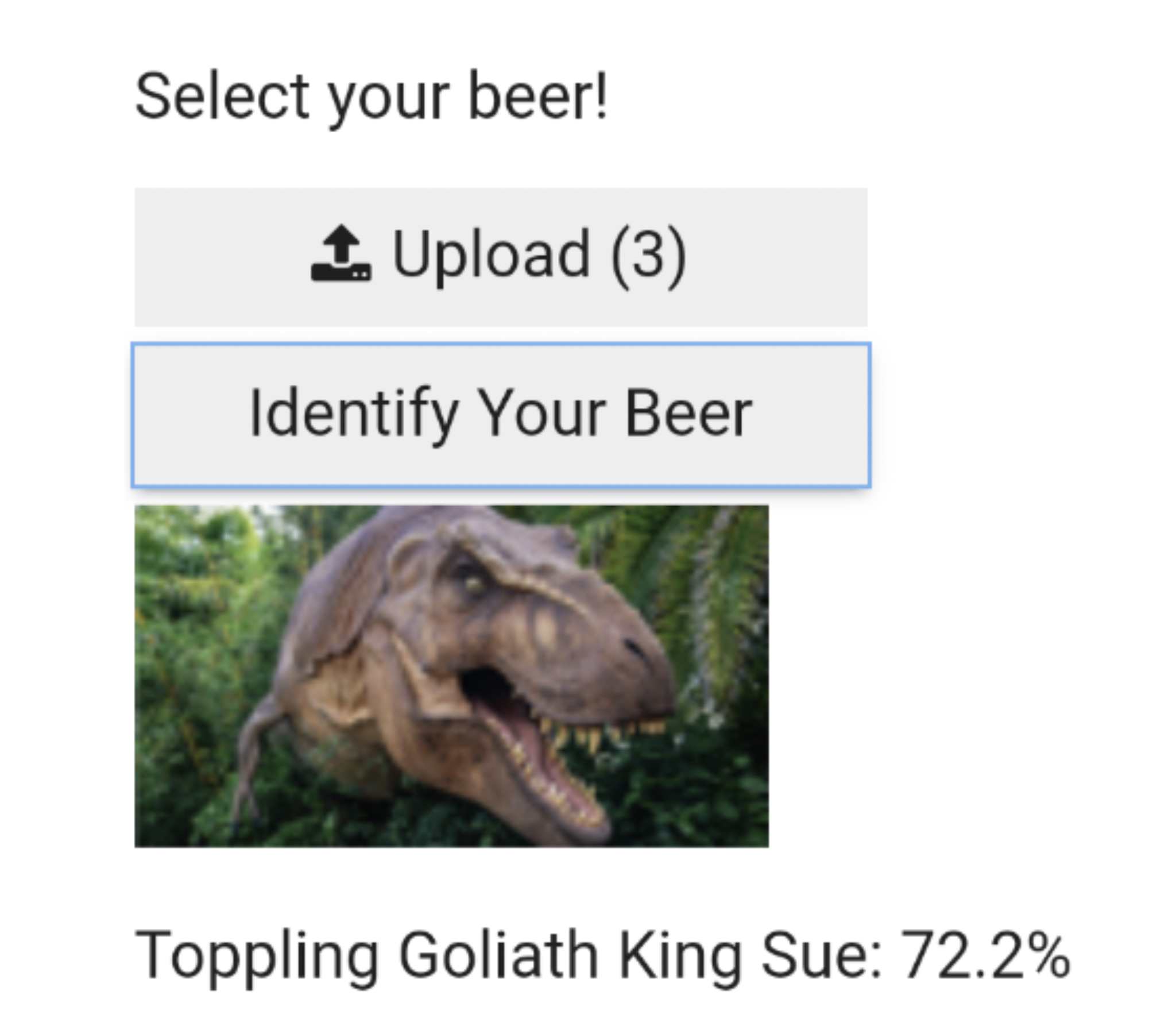
The app) is now running on heroku and works best on mobile phones. I'm using the free heroku service so it can take 30 seconds or so to load.
from fastbook import *
from fastai.vision.widgets import *
import yaml
key = yaml.safe_load(open('key.yaml'))['AZURE_SEARCH_KEY']
I picked 12 beers for my app to recognize
beer_types = 'toppling goliath pompeii','toppling goliath pseudo sue','surly furious', \
    'busch light', 'bells two hearted', 'toppling goliath king sue', \
    'founders kentucky breakfast stout', 'unibroue la fin du monde', 'bells hopslam', \
    'dogfish head 60 minute ipa', 'founders solid gold', 'founders all day ipa'
I looped through the 12 beers and used fastai's search_images_bing function to download 150 of each type of beer
path = Path('beers')
if not path.exists():
    path.mkdir()
    for o in beer_types:
        dest = (path/o)
        dest.mkdir(exist_ok=True)
        results = search_images_bing(key, f'{o} beer')
        download_images(dest, urls=results.attrgot('contentUrl'))
Next, I checked to see if any of my image downloads failed and removed them from the dataset.
fns = get_image_files(path)
fns
failed = verify_images(fns)
failed
failed.map(Path.unlink);
beers = DataBlock(
    blocks=(ImageBlock, CategoryBlock),
    get_items=get_image_files,
    splitter=RandomSplitter(valid_pct=0.2, seed=42),
    get_y=parent_label,
    item_tfms=Resize(128))
dls = beers.dataloaders(path)
dls.valid.show_batch(max_n=4, nrows=1)

beers = beers.new(item_tfms=Resize(128, ResizeMethod.Squish))
dls = beers.dataloaders(path)
dls.valid.show_batch(max_n=4, nrows=1)

bears = bears.new(item_tfms=Resize(128, ResizeMethod.Pad, pad_mode='zeros'))
dls = bears.dataloaders(path)
dls.valid.show_batch(max_n=4, nrows=1)
bears = bears.new(item_tfms=RandomResizedCrop(128, min_scale=0.3))
dls = bears.dataloaders(path)
dls.train.show_batch(max_n=4, nrows=1, unique=True)
beers = beers.new(item_tfms=Resize(128), batch_tfms=aug_transforms(mult=2))
dls = beers.dataloaders(path)
dls.train.show_batch(max_n=8, nrows=2, unique=True)

beers = beers.new(
    item_tfms=RandomResizedCrop(224, min_scale=0.5),
    batch_tfms=aug_transforms())
dls = beers.dataloaders(path)
learn = cnn_learner(dls, resnet18, metrics=error_rate)
learn.fine_tune(4)
interp = ClassificationInterpretation.from_learner(learn)
interp.plot_confusion_matrix(figsize=[10,10])

cleaner = ImageClassifierCleaner(learn)
cleaner
for idx in cleaner.delete(): cleaner.fns[idx].unlink()
for idx,cat in cleaner.change(): shutil.move(str(cleaner.fns[idx]), path/cat)
interp.plot_top_losses(5, nrows=1)

cleaner = ImageClassifierCleaner(learn)
cleaner
learn.export()
path = Path()
path.ls(file_exts='.pkl')
learn_inf = load_learner(path/'export.pkl')
learn_inf.predict('images/grizzly.jpg')
learn_inf.dls.vocab
btn_upload = widgets.FileUpload()
btn_upload
img = PILImage.create(btn_upload.data[-1])
out_pl = widgets.Output()
out_pl.clear_output()
with out_pl: display(img.to_thumb(128,128))
out_pl
pred,pred_idx,probs = learn_inf.predict(img)
lbl_pred = widgets.Label()
lbl_pred.value = f'Prediction: {pred.title()}; Probability: {100*probs[pred_idx]:.01f}%'
lbl_pred
btn_run = widgets.Button(description='Classify')
btn_run
def on_click_classify(change):
    img = PILImage.create(btn_upload.data[-1])
    out_pl.clear_output()
    with out_pl: display(img.to_thumb(128,128))
    pred,pred_idx,probs = learn_inf.predict(img)
    lbl_pred.value = f'Prediction: {pred}; Probability: {probs[pred_idx]:.04f}'

btn_run.on_click(on_click_classify)
VBox([widgets.Label('Select your bear!'),
      btn_upload, btn_run, out_pl, lbl_pred])